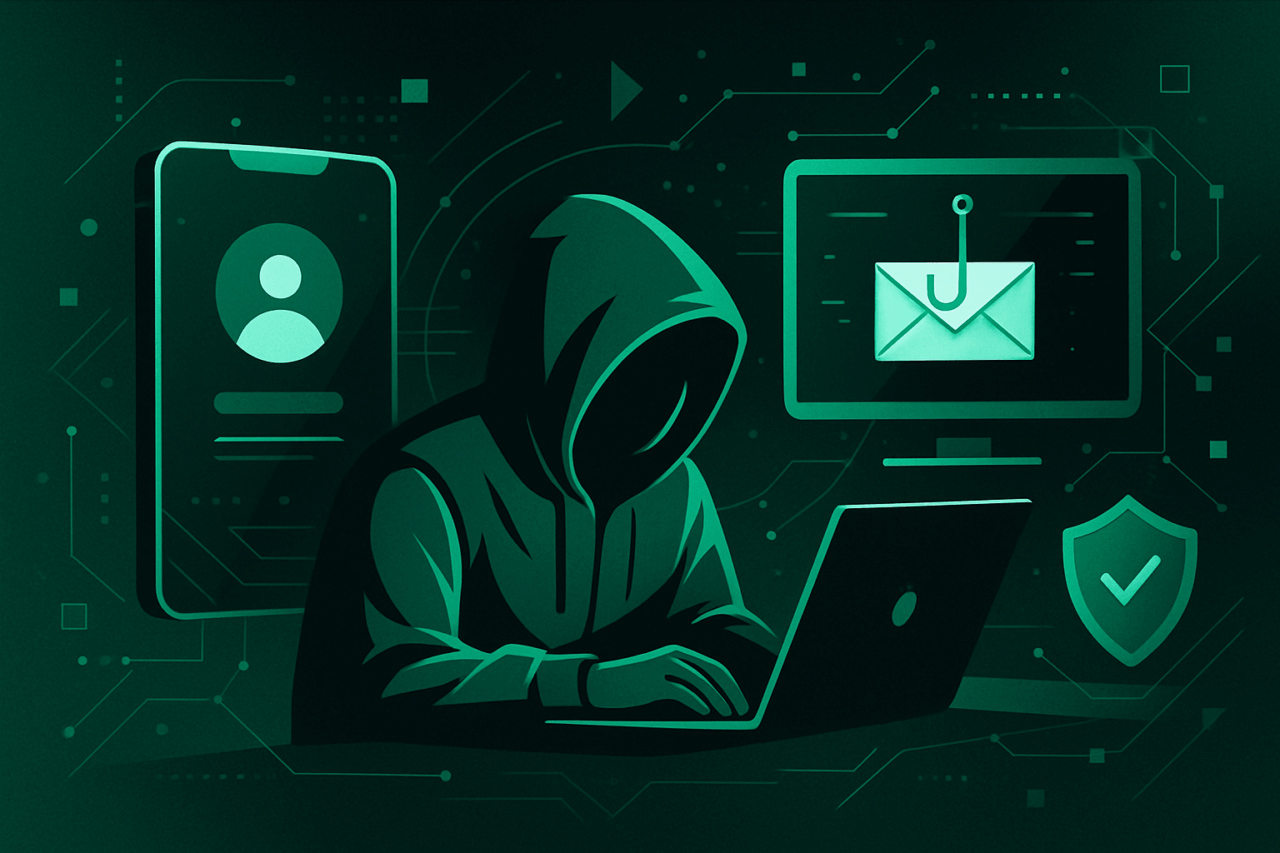
Understanding Social Engineering Attacks
Much as Odysseus donned the cloak of a beggar to slip past Troy’s defenses, social engineers employ cunning, not code, to breach organizational walls. At its core, social engineering exploits the natural tendencies of trust, curiosity, and routine in human behavior.
Social Engineering Attack Types and Their Mechanisms
| Attack Type | Mechanism of Action | Common Vectors | Hallmark Example |
|---|---|---|---|
| Phishing | Deceptive emails or messages lure victims into surrendering data | Email, SMS, Social Media | Fake “reset password” notice |
| Spear Phishing | Highly targeted phishing, often with personalized details | Email, LinkedIn, Internal Chat | CEO impersonation |
| Pretexting | Fabricated scenario to obtain information | Phone, In-person, Email | “IT needs your credentials” |
| Baiting | Enticing target with something desirable (often digital media) | USB drives, Online offers | “Free music download” |
| Tailgating | Physical entry by following authorized personnel | Office entrances | “Forgot my badge” |
| Quid Pro Quo | Exchange of service for information | Phone, Email | “Tech support in return for access” |
The Architecture of Employee Training
Much as the Romans layered arches for both beauty and strength, an effective training regimen must interlock foundational knowledge with regular reinforcement. Consider these pillars:
1. Foundational Awareness
- Define social engineering and its variants, using vivid, real examples.
- Explain psychological triggers: urgency, authority, scarcity, reciprocity.
- Share true tales of compromise, not mere hypotheticals.
Example Scenario
“A message from ‘HR’ arrives, requesting employees to confirm their Social Security Numbers due to a ‘compliance audit.’ Several comply, unwittingly handing data to an attacker.”
2. Simulated Exercises
- Phishing Simulations: Craft periodic, realistic phishing emails. Track who clicks, but avoid public shaming—education, not embarrassment, is the goal.
- Role-play Calls: Simulate phone pretexting attempts, gauging employee responses to supposed IT or vendor requests.
- Physical Drills: Place labeled USB sticks in common areas; monitor if anyone plugs them in.
Sample Phishing Simulation Email
Subject: Immediate Action Required: Account Verification

Dear Employee,

Due to recent security upgrades, all staff are required to verify their accounts. Please click the link below within 24 hours to maintain access.

[Verify Here]

Best,
IT Support
Observe: Note the urgency, vague sender, and generic greeting—classic hallmarks.
3. Technical Countermeasures
Even the most vigilant sentry can falter. Fortify with technology:
- Email Gateways: Deploy filters for suspicious attachments, sender spoofing, and known malicious domains.
- Multi-Factor Authentication (MFA): Require for all critical systems—an extra lock on each digital door.
- Endpoint Protection: USB access controls, anti-malware, and logging.
- Reporting Mechanisms: Simple, visible ways to report suspected incidents.
Step-by-Step: Reporting a Suspicious Email (Example for Outlook)
- Select the suspicious email.
- Click the “Report Message” button on the ribbon.
- Choose “Phishing.”
- Confirm submission to IT/security.
Encourage a “see something, say something” culture—without fear of penalty for false alarms.
4. Continual Reinforcement
- Quarterly refresher trainings: Brief, focused sessions—better a steady drip than a single deluge.
- Newsletters: Highlight recent real-world attacks and internal metrics (e.g., “Last quarter, 15% of staff clicked a simulated phish—here’s what to watch for”).
- Recognition programs: Celebrate those who spot and report threats.
Comparative Table: Human versus Technical Defenses
| Aspect | Human Training | Technical Controls |
|---|---|---|
| Adaptability | High—can recognize novel attacks | Medium—depends on known patterns |
| Cost | Ongoing (time, training resources) | Initial + maintenance (software/hardware) |
| Response to Social Nuance | Excellent—can sense subtle manipulations | Poor—relies on rules and algorithms |
| Fatigue Factor | High—attention may lapse | Low—automated, but may generate false positives |
| Best Use Case | Sophisticated social engineering, physical intrusions | Automated filtering, baseline protection |
Building a Resilient Culture: Lessons from Cathedrals
Just as medieval masons left no stone unturned, so must we leave no vulnerability unchecked. Encourage employees to question the unexpected—“Why would IT ask for my password?”—and to see themselves not as mere cogs, but as sentinels safeguarding the organization’s crown jewels.
Action Plan: A Blueprint for Training Implementation
- Assess Current State: Survey employees on their awareness.
- Design Custom Training Modules: Address specific threats relevant to your environment.
- Schedule Regular Simulations: Calendar monthly phishing drills and quarterly in-person exercises.
- Measure and Adapt: Review results, iterate content, and address weaknesses.
- Foster Community: Make security part of daily conversation, not an annual afterthought.
Thoughtful Reminders for the Diligent Practitioner
- Trust, but verify—echoes of Reagan and Roman sentries alike.
- The adversary is persistent; so must be your efforts.
- Each employee is both potential breach and bulwark.
- Craft your defenses as Vitruvius would: with firmness, utility, and delight.
Even Homer nods, but with vigilance and craftsmanship, your organization need not sleep.

Comments (0)
There are no comments here yet, you can be the first!