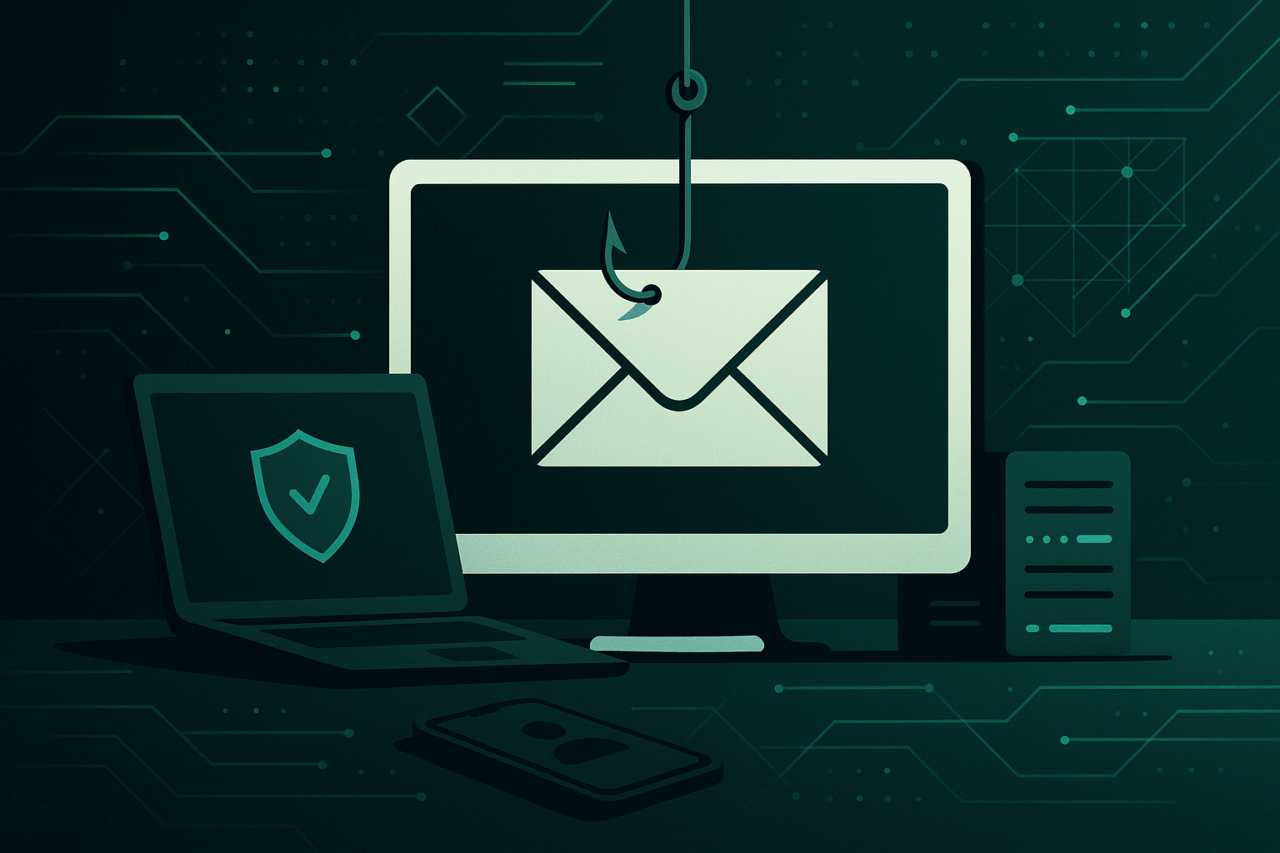
The Evolution of Phishing Attacks: Tactics and Prevention
I. The Early Blueprints: Foundation of Phishing
Like the cunning foxes of Aesop’s Fables, early phishers relied on wit rather than brute force. In the late 1990s, AOL users received emails resembling official correspondence—mere parchment in digital form—requesting passwords under the guise of account verification. The architecture was simple: deception laid brick by brick, exploiting trust.
II. Modern Tactics: From Simple Facades to Intricate Labyrinths
A. Email Phishing: The Enduring Classic
- Spoofed Sender Addresses: Analogous to forging a royal seal, attackers manipulate “From” fields to mimic authority.
- Lookalike Domains: Subtlety reigns:
amaz0n.comin place ofamazon.com. - Payloads: Malicious links or attachments (e.g., macro-enabled Word files).
Example Email Header:
From: [email protected]
Subject: Urgent: Account Verification Needed
B. Spear Phishing: The Tailored Invitation
Like a letter penned personally by Machiavelli, spear phishing leverages reconnaissance. Targets receive messages referencing recent projects or colleagues’ names, increasing believability.
Data Used:
– LinkedIn profiles
– Recent press releases
– Social media activity
Sample Email Body:
Hello [Name],

Can you review the attached Q2 financials before our 3 PM call?
Best,
[Colleague’s Name]
C. Whaling: The Grandiose Scheme
Reserved for high-ranking executives—a digital reimagining of Odysseus’ cunning against Troy. Whaling emails often invoke legal or financial urgency.
D. Vishing and Smishing: Expanding the Arsenal
- Vishing: Voice calls impersonating bank officials or IT staff.
- Smishing: SMS messages with malicious links or urgent requests.
E. Business Email Compromise (BEC): Subtle Manipulation
Attackers infiltrate or spoof executive emails, requesting wire transfers or sensitive data—a modern Iago sowing discord from within.
III. Comparative Table: Phishing Tactics at a Glance
| Tactic | Method of Delivery | Typical Target | Notable Features | Example Payload |
|---|---|---|---|---|
| Email Phishing | Mass recipients | Spoofed domains, generic text | Malicious link/attachment | |
| Spear Phishing | Individuals/groups | Personalized details, context | Custom link/attachment | |
| Whaling | Executives | Authority, legal/finance themes | Requests for wire transfers | |
| Vishing | Phone | Individuals | Caller ID spoofing, urgency | Request for credentials |
| Smishing | SMS | Individuals | Short, urgent, links | Malicious URL |
| BEC | Finance/HR staff | Impersonates executives | Wire transfer instructions |
IV. Phishing Kits and Automation: The Industrial Revolution
With the advent of phishing kits, even the uninitiated can construct elaborate facades. These kits, like mass-produced columns in a neoclassical hall, standardize deception:
- Templates: Imitate popular brands.
- Automation: Send bulk emails, harvest credentials.
- Evasion Techniques: Randomized URLs, geofencing, and CAPTCHAs to evade detection.
Code Snippet: Detecting Suspicious URLs with Python
import re

def is_suspicious_url(url):
    # Look for homograph attacks (e.g., use of Cyrillic characters)
    if re.search(r'[\u0400-\u04FF]', url):
        return True
    # Check for excessive subdomains or typosquatting
    if re.search(r'(amaz0n|g00gle|micr0soft)', url):
        return True
    return False

# Example usage
urls = ['http://amaz0n.com/login', 'http://amazon.com/login']
for url in urls:
    print(f"{url}: {'Suspicious' if is_suspicious_url(url) else 'Clean'}")
V. Defensive Architecture: Practical Prevention Strategies
A. User Awareness and Training
Much as a well-read scholar is harder to deceive, continuous education arms users against the latest ruses. Simulated phishing campaigns foster vigilance.
B. Technical Controls
- Email Authentication: SPF, DKIM, and DMARC—like trusted signatures on ancient manuscripts.
| Protocol | Purpose | Example Record |
|---|---|---|
| SPF | Authorizes sending IPs | v=spf1 include:_spf.google.com ~all |
| DKIM | Cryptographic signature of messages | v=DKIM1; k=rsa; p=MIIBIjANBgkqh... |
| DMARC | Policy for SPF/DKIM alignment | v=DMARC1; p=reject; rua=mailto:[email protected]; adkim=s; aspf=s |
- Attachment and Link Scanning: Sandboxing and URL rewriting intercept malicious payloads.
- Multi-Factor Authentication (MFA): Even if a password is stolen, a second gate remains.
C. Incident Response: The Art of Containment
- Phishing Reporting Procedures: Encourage swift reporting, akin to raising the town’s alarm bell.
- Automated Quarantine: Remove malicious emails from mailboxes upon detection.
- Forensic Analysis: Trace attack vectors and strengthen defenses.
VI. Step-by-Step: Implementing Anti-Phishing Email Policies (Microsoft 365 Example)
- Access Microsoft 365 Security Center.
- Navigate to Threat Management > Policy > Anti-Phishing.
- Create a new policy:
- Specify users, groups, or domains to protect.
- Configure impersonation settings (e.g., executive protection).
- Enable mailbox intelligence to learn normal email patterns.
- Set Actions:
- Quarantine flagged messages.
- Notify users and admins.
- Review and Save Policy.
VII. The Living Tapestry: Continuous Adaptation
The landscape of phishing is ever-shifting, as mutable as the labyrinths of Daedalus. Defenders must blend the wisdom of ages—education, technical rigor, and swift response—to outwit adversaries who are both patient and inventive. As the cathedrals of old stood the test of time through constant care and innovation, so too must our digital defenses be tended with diligence and artistry.

Comments (0)
There are no comments here yet, you can be the first!